Meet
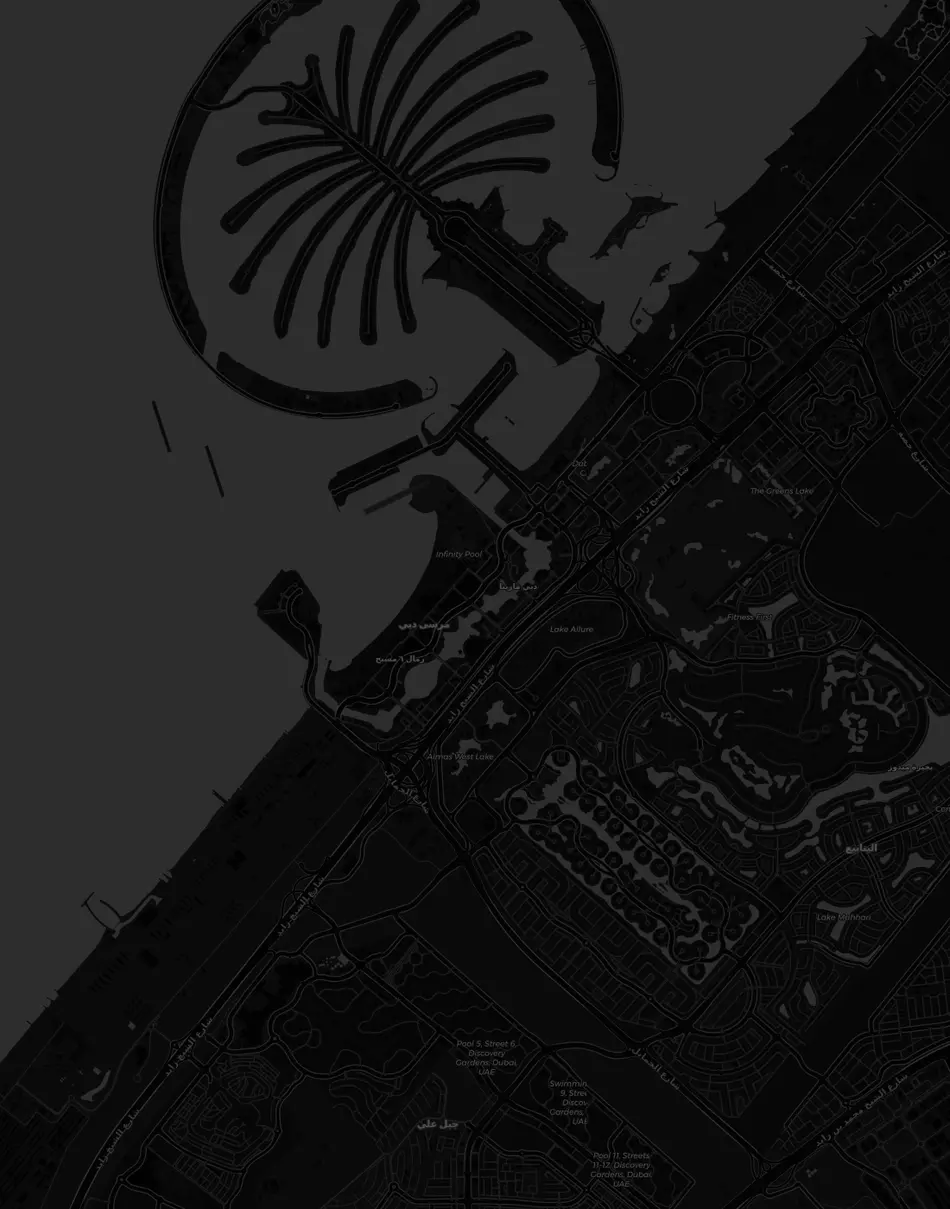
25.0762° N · 55.1304° E — Dubai Marina
What's on near you today?
Drop a plan pin on the map — morning coffee, an evening walk, a match. People nearby see it and join; group chat opens on its own. No matching, no scores, no live location.
Legend
What the map says.
A pin is a plan
Every marker is an activity. Not a person — never a live location.
Cluster
Plans in the same area gather into one bubble; zoom in to open it.
Gate
Join rules are visible: capacity, distance, host approval.
Chat
The moment you join, you land in the plan's group; coordination ends there.
How it works
The life of a plan.
Saturday morning, Dubai Marina — the flow itself, shown through a representative plan. This is how the app works, step by step.
Pin is live
Deniz posted a "Morning coffee" plan. Category coffee, approximate area, 09:30. There's now a pin on the map.
Morning coffee
Two people joined
Ayşe and Tomas opened the pin; the gates were open, so one tap each. The group chat created itself.
Ayşe
I'm around Marina, 09:30 works ☕
Tomas
Coming too — whoever finds a table, post it
Exact spot dropped in the group
Deniz picked the café; the full address went only to the group. On the map, everyone still sees the approximate area.
The meetup
Three people, the marina, coffee. The app's job ends here — the rest is yours.

Chat goes read-only
The plan ended; the group turned into an archive. Anyone who wants more is already in DMs.
Two roles
Host it or join it.
Same map, two clear roles. Both live in the mobile app.
Put up a plan
- 1Category and a short title
- 2Area — approximate or exact spot
- 3Today / flexible time · capacity
- 4Publish: a pin on the map, a chat room next to it
Open the pin
- 1Filter by near me or category
- 2Read the area, time, host and capacity
- 3If the gates are open, join in one tap
- 4Land in the group chat — coordination starts
Trust
Gates are clear. No silent walls.
If you can't join, the button tells you why — it never just grays out. The actual button language from the app:
Open
Gates open — join in one tap
Locked
Women only — host's rule
Locked
Location needed — distance is read only in the moment
Locked
Outside ≈10 km — currently 14.2 km
Locked
Full — 6/6
What do you feel like?
Categories, not scores.
Pins are colored in this language. Not a tourist checklist or an XP tree — today's plan.
 Food
Food Coffee
 Outdoor
 Nightlife
 Culture
 Social
 Transit
 Other
OtherIron rules
Privacy is in the product.
No live people on the map.
The full address is never public; the exact spot goes only to the group.
Location permission only in the moment (when-in-use).
Meet plans are free; visibility can't be bought.
No streak penalties, no "most pins" leaderboard, no matching games.

The city, next to you.
Meet lives only in the app. Open the map — see today's plan, or drop the first pin yourself.